Dayle Palfreyman
An artist portfolio with a full-screen gallery
Ownership
Solo Designer & Developer
Key fact
Delivery: Client shipped
Overview
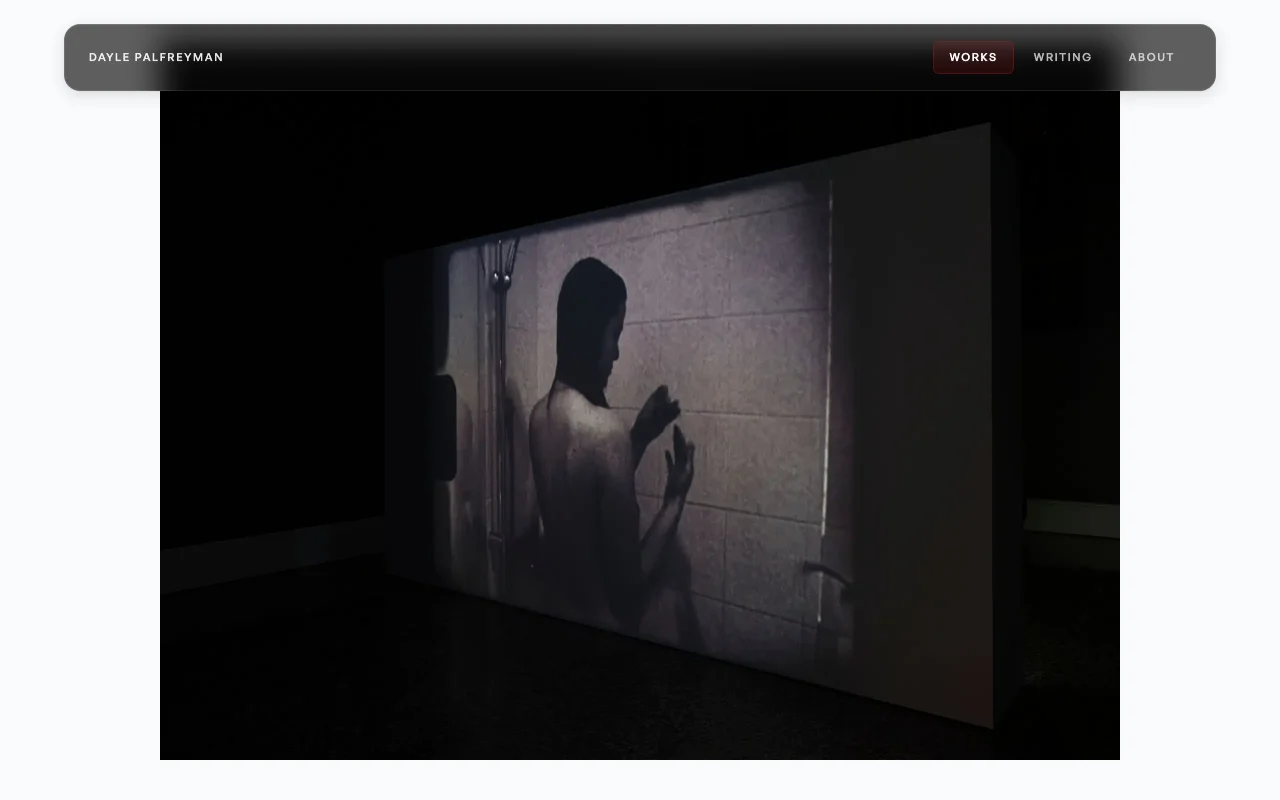
I designed and built the portfolio for installation artist Dayle Palfreyman: a full-screen gallery, simple navigation, and Sanity CMS so the site stays easy for her to run.
The Challenge
The work needed to be shown clearly with as little interface in the way as possible, while staying simple enough for Dayle to manage herself.
Constraints
- •Visual restraint was non-negotiable: the site could not compete with artworks.
- •Client autonomy required robust CMS patterns over one-off hardcoded pages.
- •Accessibility and performance had to hold on media-heavy routes.
How it works
Problem
Portfolio templates encourage UI chrome over artwork presence.
Decision
Adopted full-screen, vertically snapping gallery with minimal persistent chrome.
Tradeoff
Less conventional page structure for some users.
Impact
Each artwork fills the screen, and navigation stays at the edges.
Problem
Rich motion can quickly become distracting in art contexts.
Decision
Constrained motion vocabulary to subtle spring-driven transitions.
Tradeoff
Lower novelty and fewer visual flourishes.
Impact
Motion is limited to the move between gallery and detail.
Approach
1. A full-screen gallery
The homepage uses a vertically snapping gallery where each artwork fills the viewport and opens into a detail view with supporting media and metadata.
2. Restrained motion
Motion is limited to a small set of transitions between gallery and detail views, with reduced-motion support included from the start.
3. Accessibility from the start
The site includes keyboard navigation, focus management, accessible artwork metadata, and screen-reader support across the gallery flow.
4. A CMS she can run
Sanity handles artworks, exhibitions, writing, and site settings so the client can manage the site without code changes.
Outcome
A media-heavy portfolio that Dayle updates herself through Sanity.
At a glance
Client shipped
Delivery
Sanity CMS
Content model
Keyboard + screen reader
Access
Learnings
- →Art portfolios are mostly an exercise in restraint.
- →Motion needs to support navigation, not compete with the work on screen.
- →Accessibility decisions shape the structure of the product early, not late.
- →Automated SEO and CMS setup reduce long-term maintenance for the client.
Anti-patterns avoided
- ×Autoplay-heavy transitions that distract from images.
- ×CMS models that require developer intervention for routine updates.
- ×Accessibility retrofits after visual design lock-in.
Next iterations
- →Collection-level storytelling templates for exhibition narratives.
- →Media compression pipeline tuning for even faster cold loads.
Next project
Vape Quit Coach